- Free standard delivery on orders over £ 59.00
 Buy 1, get 50% off on additional frames
 - Help CentreTrack OrderAccessibility
 Configure Your Glasses
 Select Your Frames
Discover our eyewear and use the Try-on function to select your favourite frame.
 Select Lenses
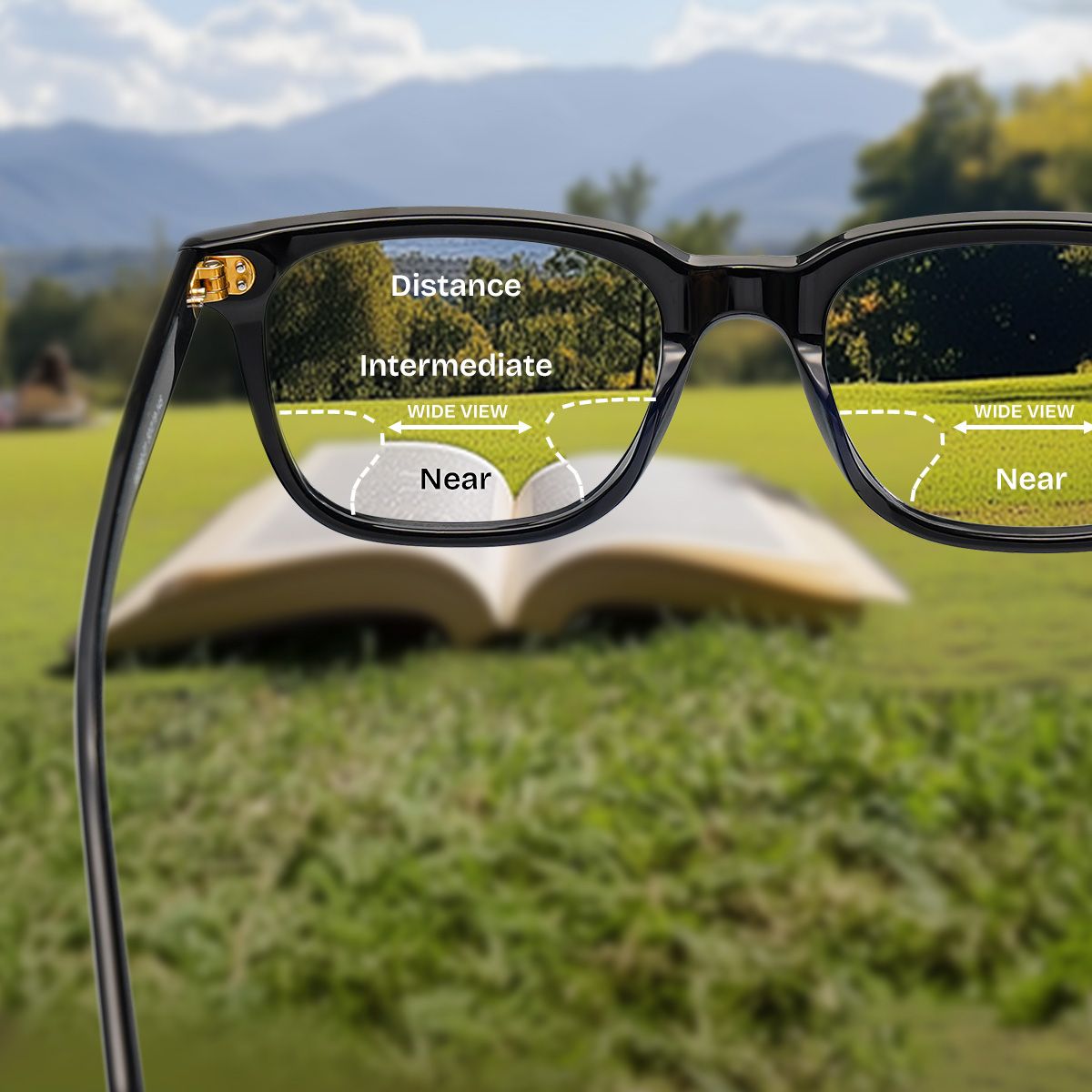
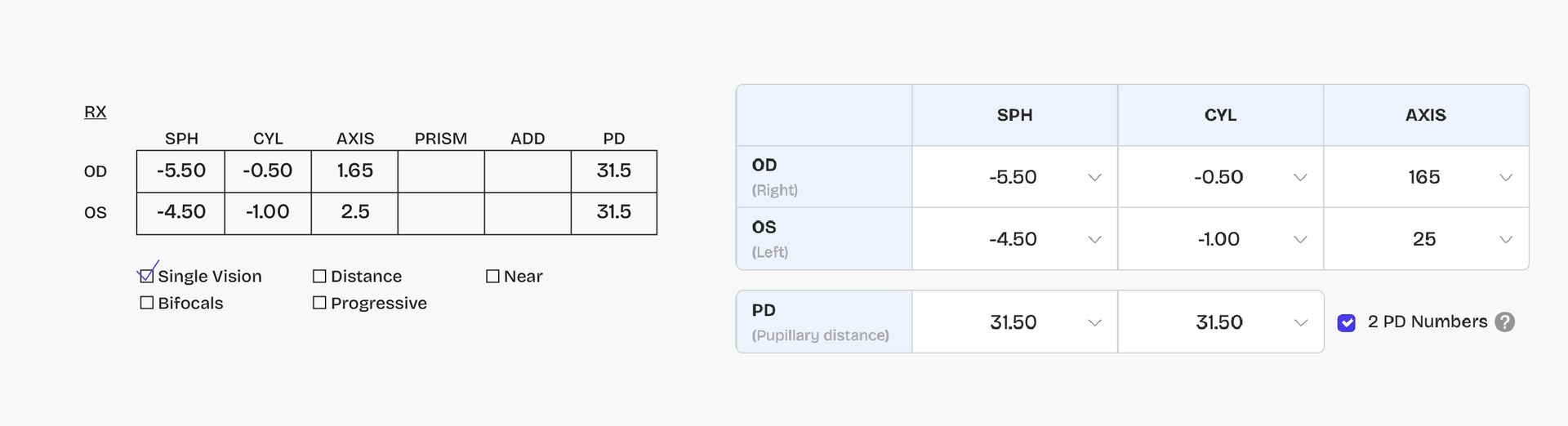
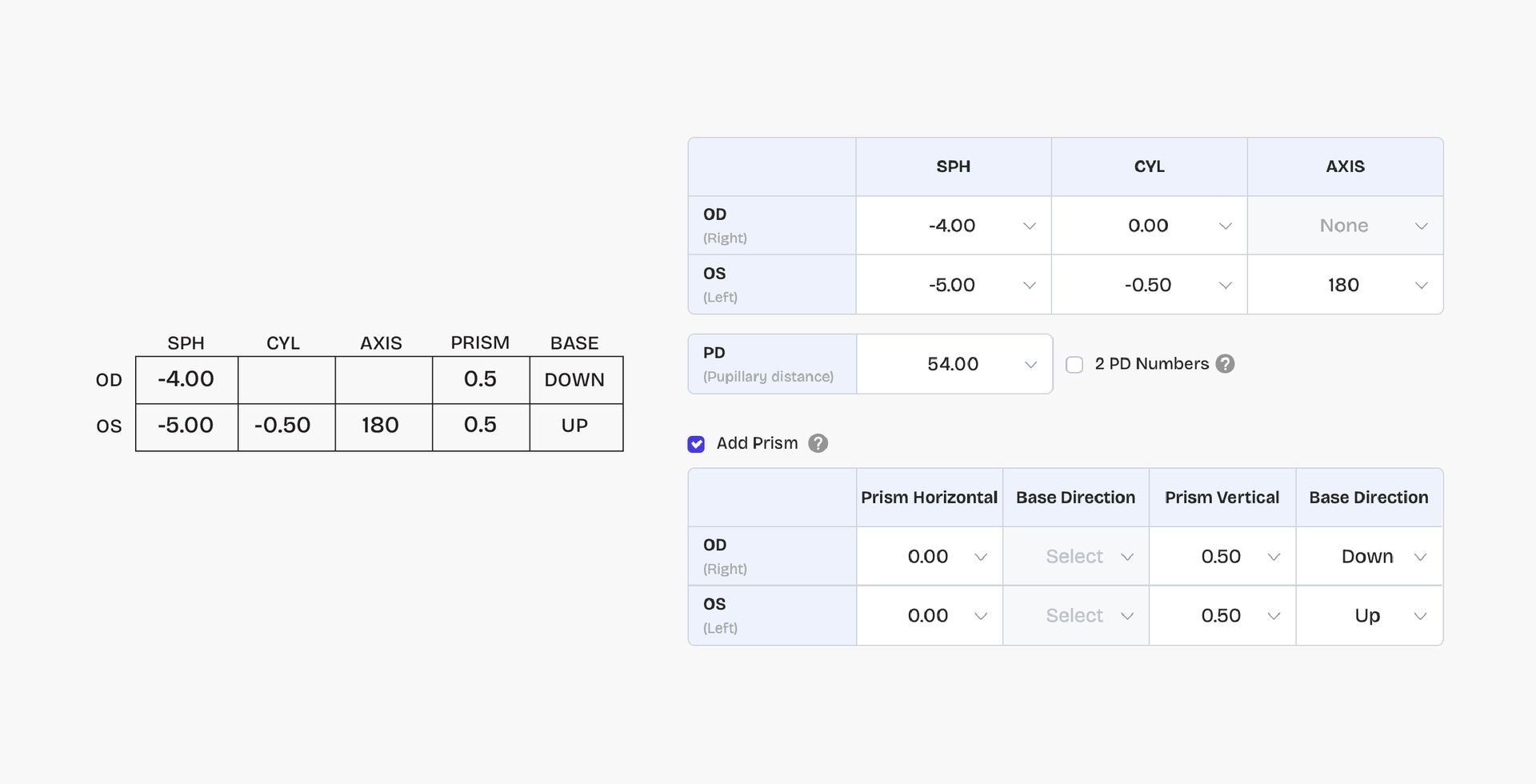
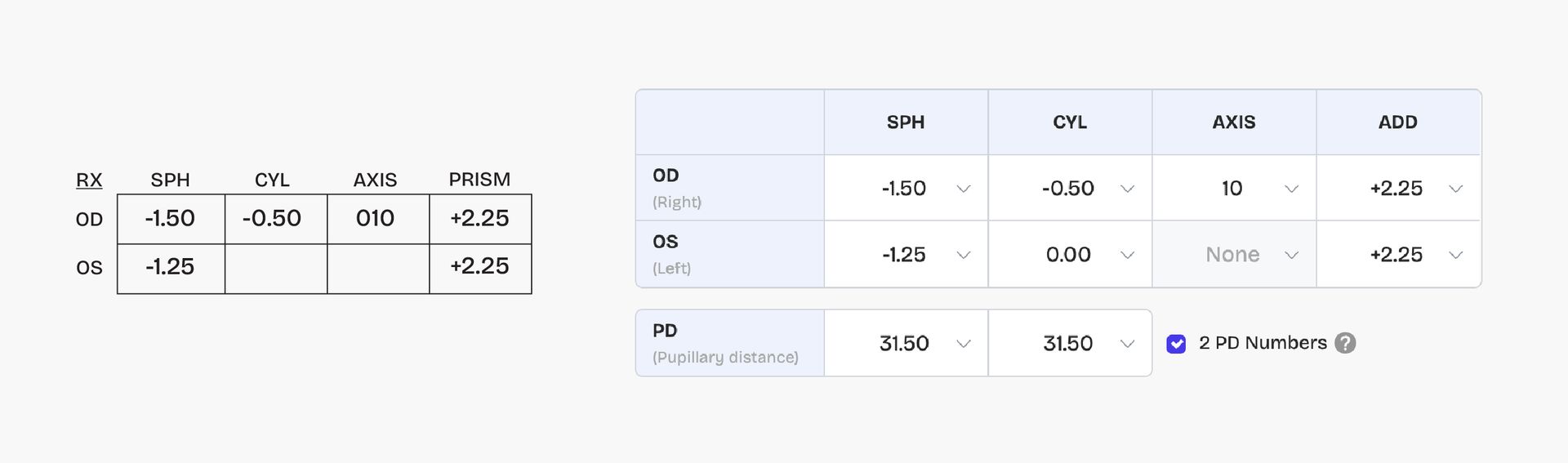
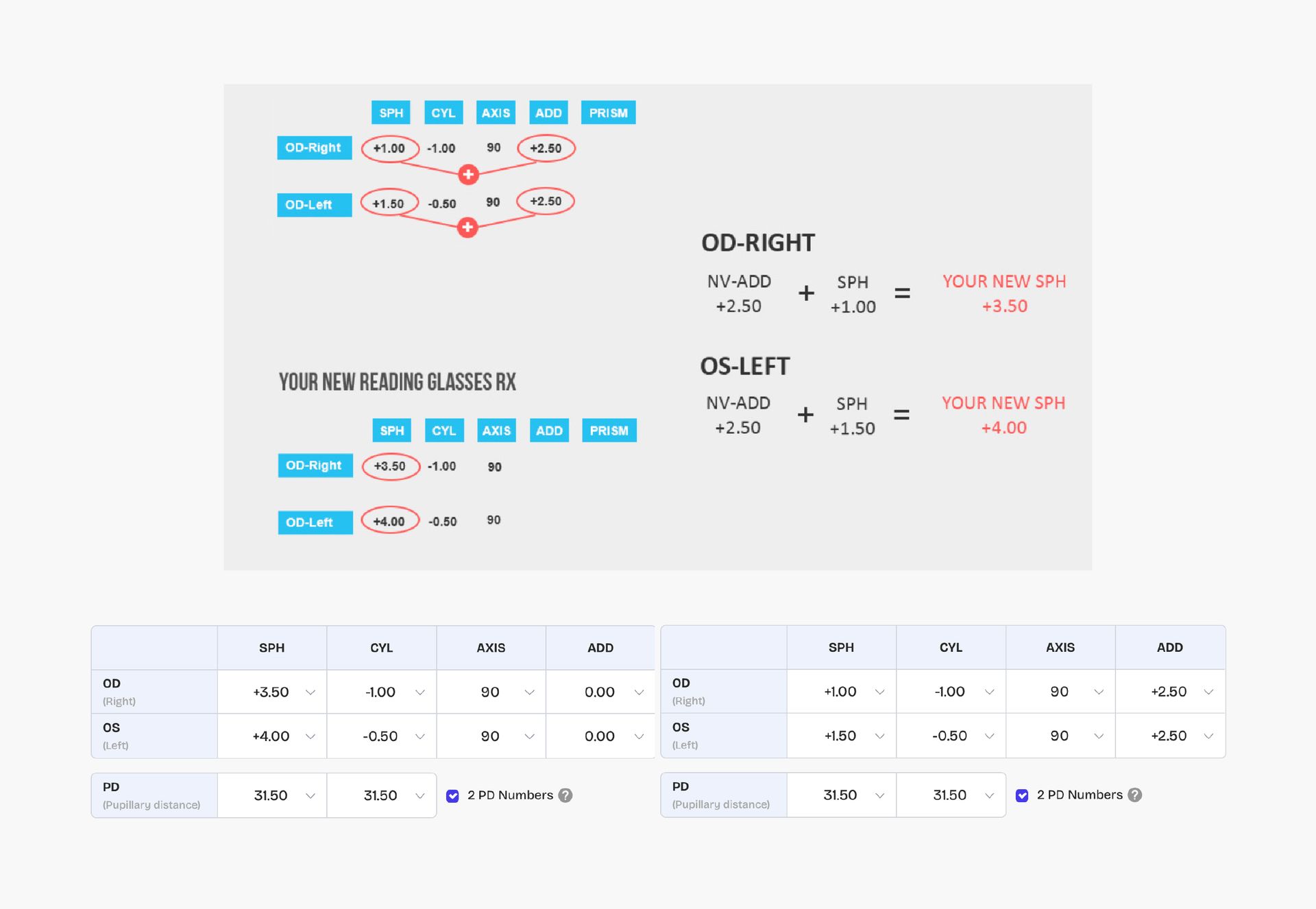
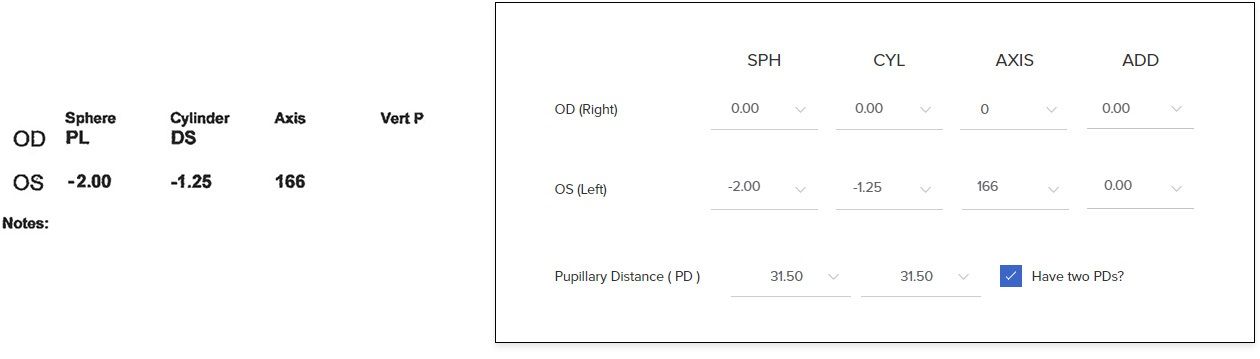
Select your vision needs and enter your prescription.
 Customise Your Lenses
Select lens type and thickness.
 Complete the Order
We ensure 100% satisfaction with our 30-day Exchange & Return Policy and 365-Day Guarantee.
 GIFTX 0